Your account, on the phone in your hand.
Balance, due date, statement of account, payments and tickets — all self-serve, all day. No queue, no office visit, nothing to install.
Everything you used to have to ask us for.
The portal answers the questions that used to need a message and a wait — and it is always up to date, because it reads the same ledger our office does.
What you owe, right now
Your current balance and due date on the first screen, with the charges that make it up — no guessing, no waiting for a reply.
Statement of account
Your full billing history, on screen or as a PDF you can print or forward — useful when someone else pays the bill.
Pay online
Settle the bill from the portal and watch the payment post to your ledger. A suspended line comes back once the balance clears.
Report a problem
File a ticket with the details, and follow it as it moves — instead of repeating the story to whoever answers next.
Announcements
Scheduled maintenance and area advisories land here first, so a planned outage is never a surprise.
Change your plan
Ask for a faster line from inside your account. Same drop, same modem, new speed.
Logging in for the first time.
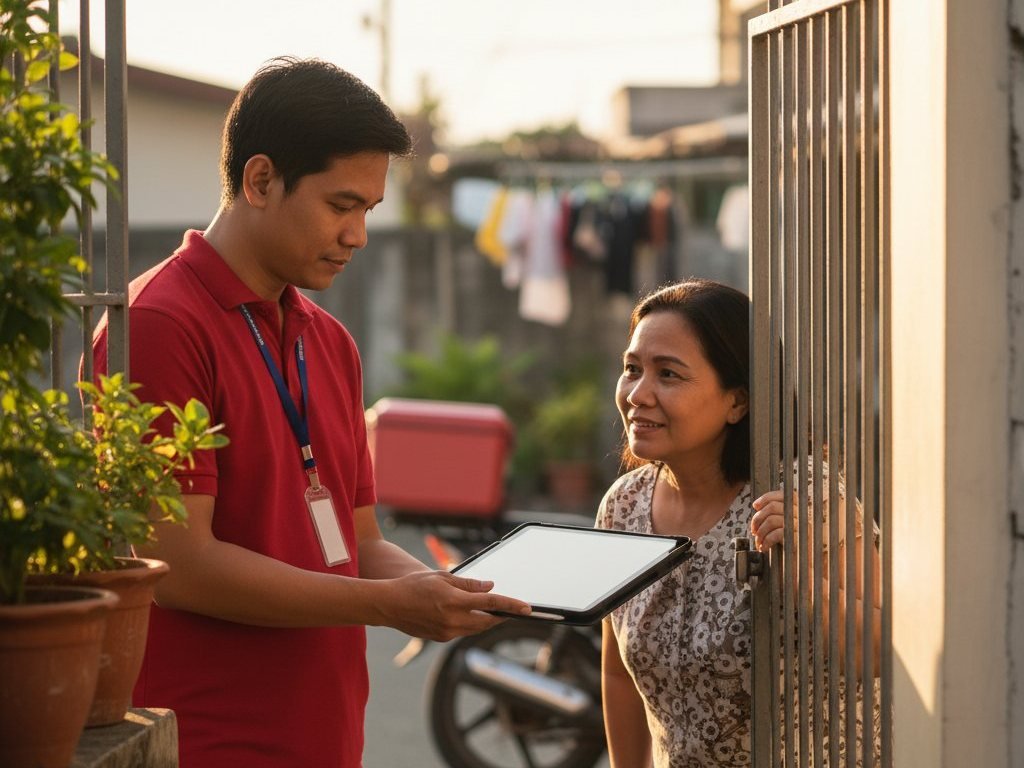
Your account exists from the day your line goes live. You only need to claim it once.
Find your account number
It is printed on your statement, and it is the same number our office uses when you call. Your mobile number or email works too.
Activate the account
Open the portal, choose Activate your account, and confirm the one-time code we send to the number on file.
Set your password
Choose your own password and you are in. Forgot it later? Reset it from the same screen — no phone call needed.
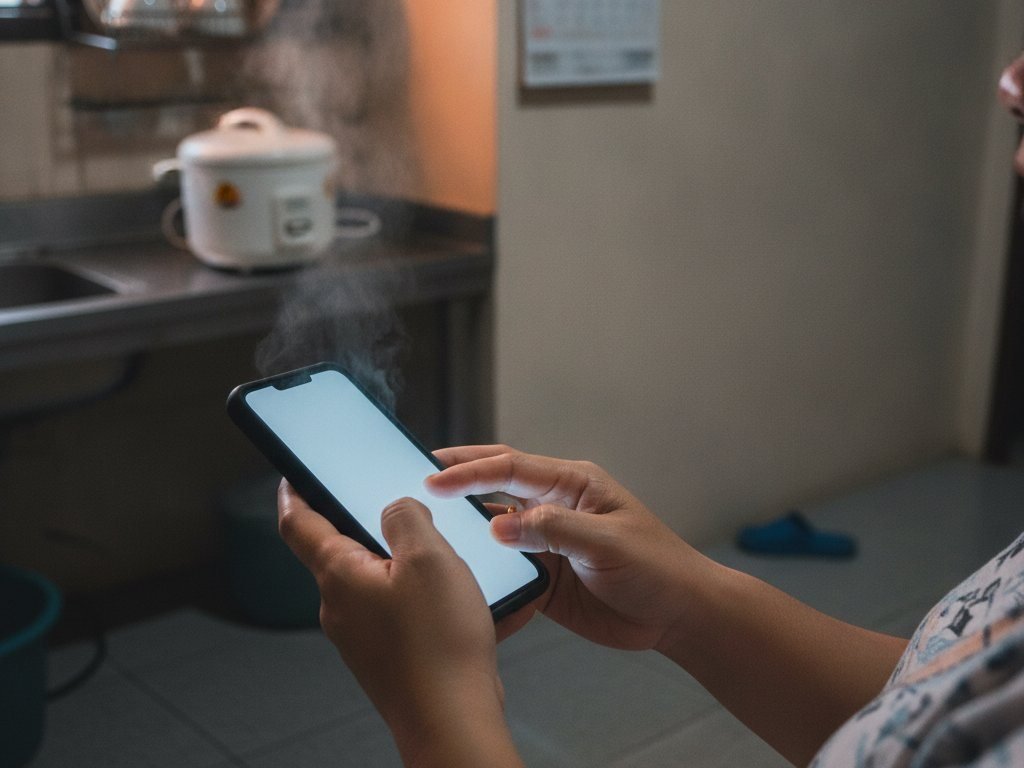
It is a website, not an app
Open it in any browser on any phone or computer. Add it to your home screen if you want it to feel like an app — there is nothing to download or update.
One account per line
Each connection has its own login. If you run more than one line — a house and a shop, say — ask us and we will set up both.
We will never ask for your password
Nobody from RAE Networks will ever ask for it by call or message. If someone does, it is not us — tell us straight away.
Still prefer to pay in person?
That has not gone anywhere. Pay over the counter and the receipt is posted to the same ledger you see in the portal.
Get a line first.
Send us your address and we will check whether we can reach you — your client account comes with the connection.